Screenshots
See what Tare looks like before you download. Every screen, no marketing fluff.
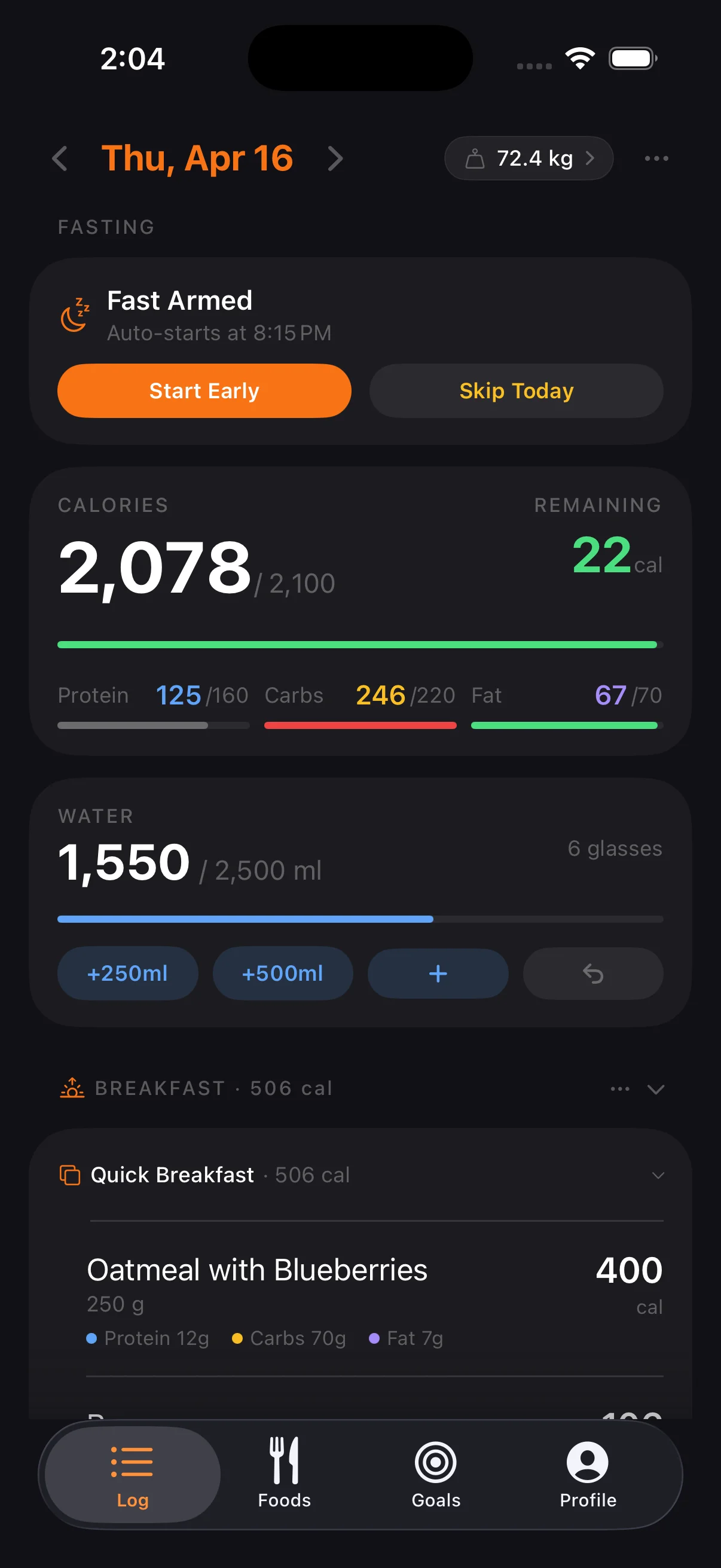
Daily Log
The main screen. Calories and macros against your goals, today's fast, water and drinks, and your meals at a glance. Swipe between days, and tap an entry to see its detail.
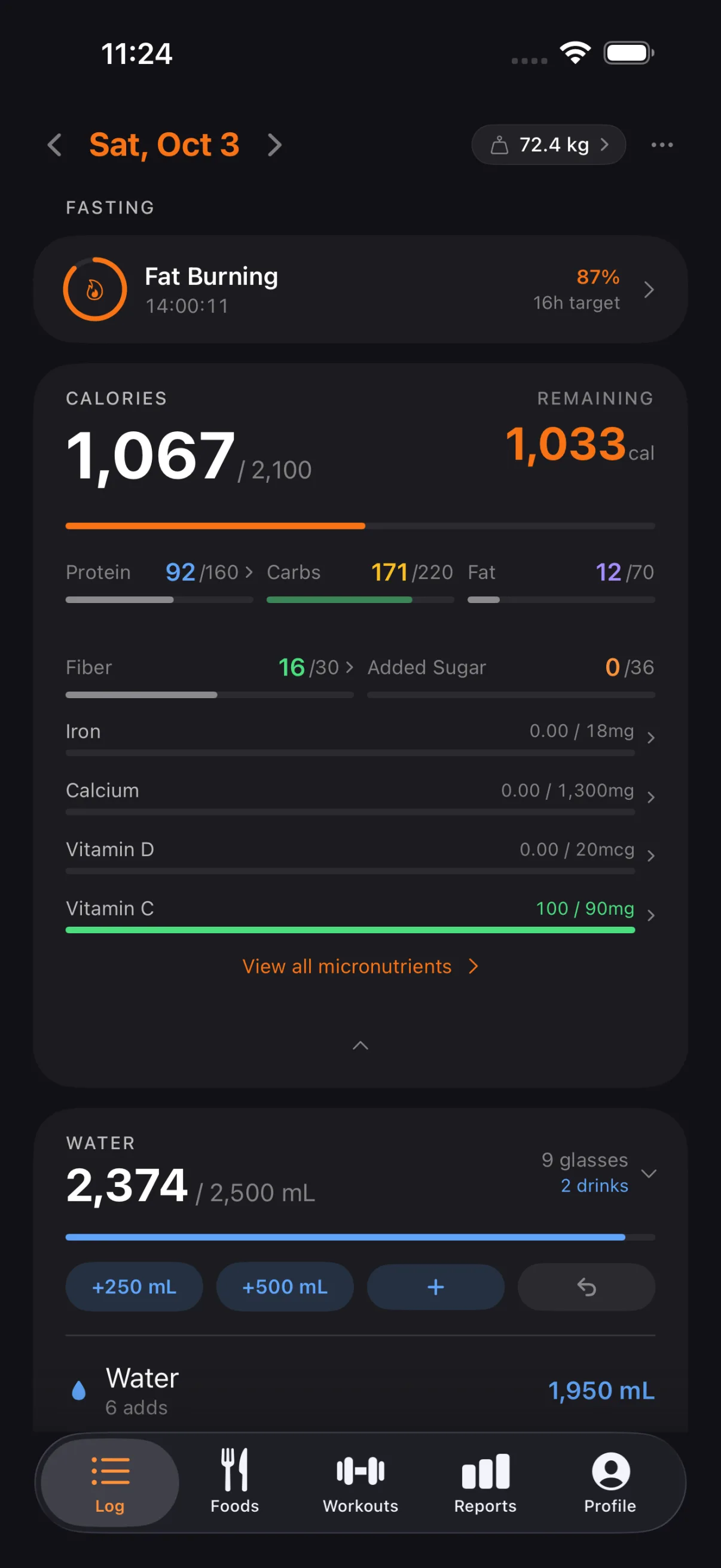
Today's Micronutrients
The calorie card opened down to fiber, added sugar and the nutrients you pinned: iron, calcium, vitamin D and vitamin C. Each one against its target for the day; tap one to see its detail.
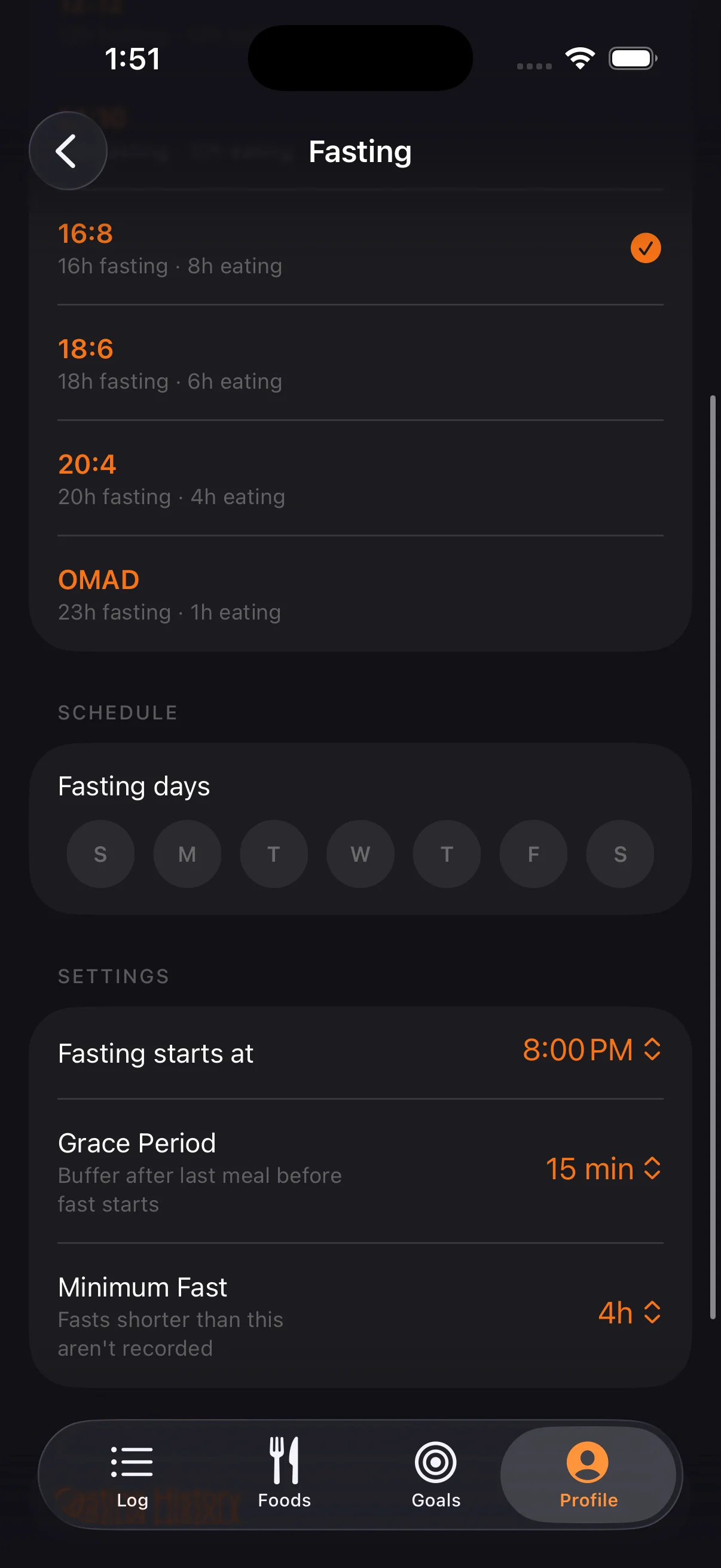
Fasting Timer
The fast in progress: how long you've gone, how much of the target is done and which stage your body is in. Below, the start, the target end and the time left, and the start time can be corrected.
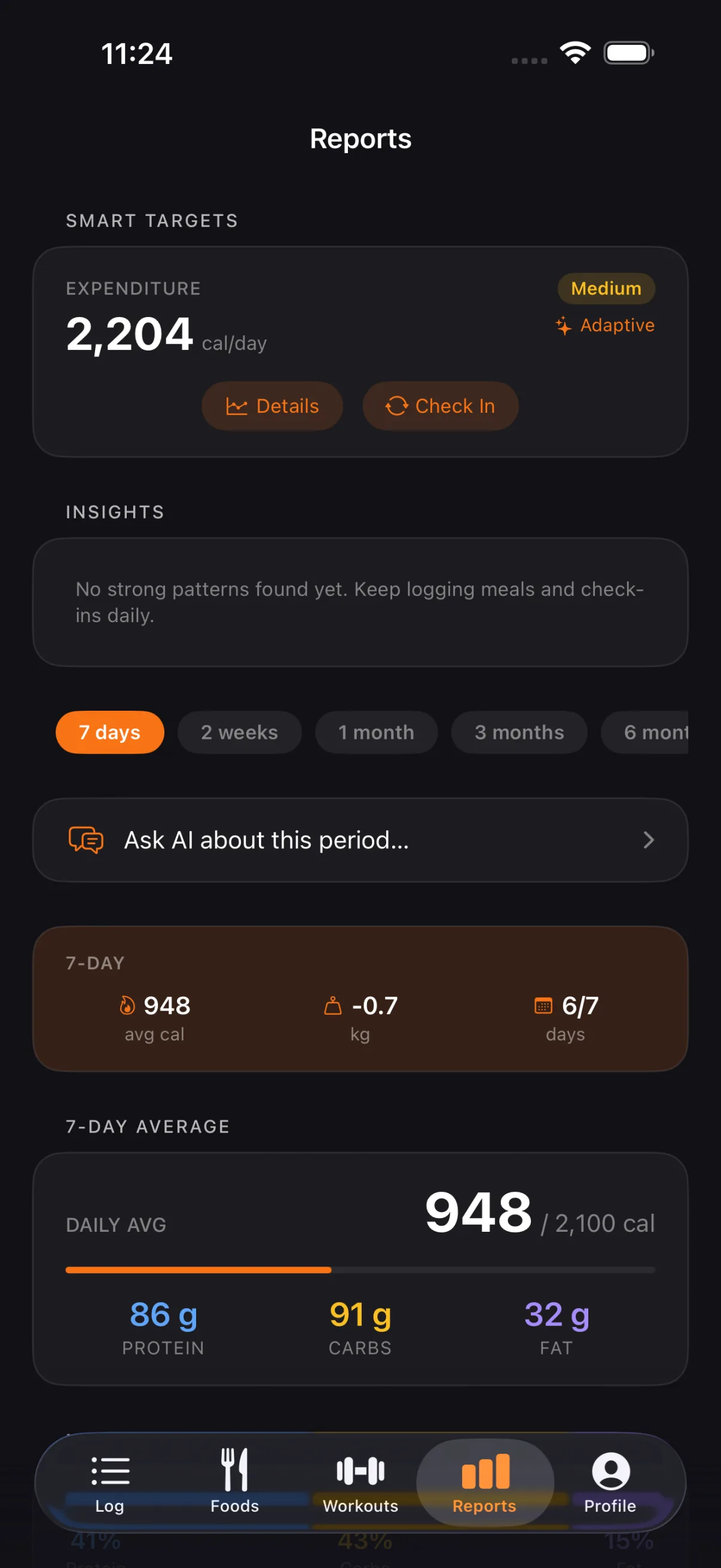
Reports
Your expenditure, worked out from your own data, at the top. Below, the week at a glance (average calories, weight change and days logged), then the daily average and the macro split. Switch between 7 days, 2 weeks, 1 month, 3 months and 6 months.
Food Search
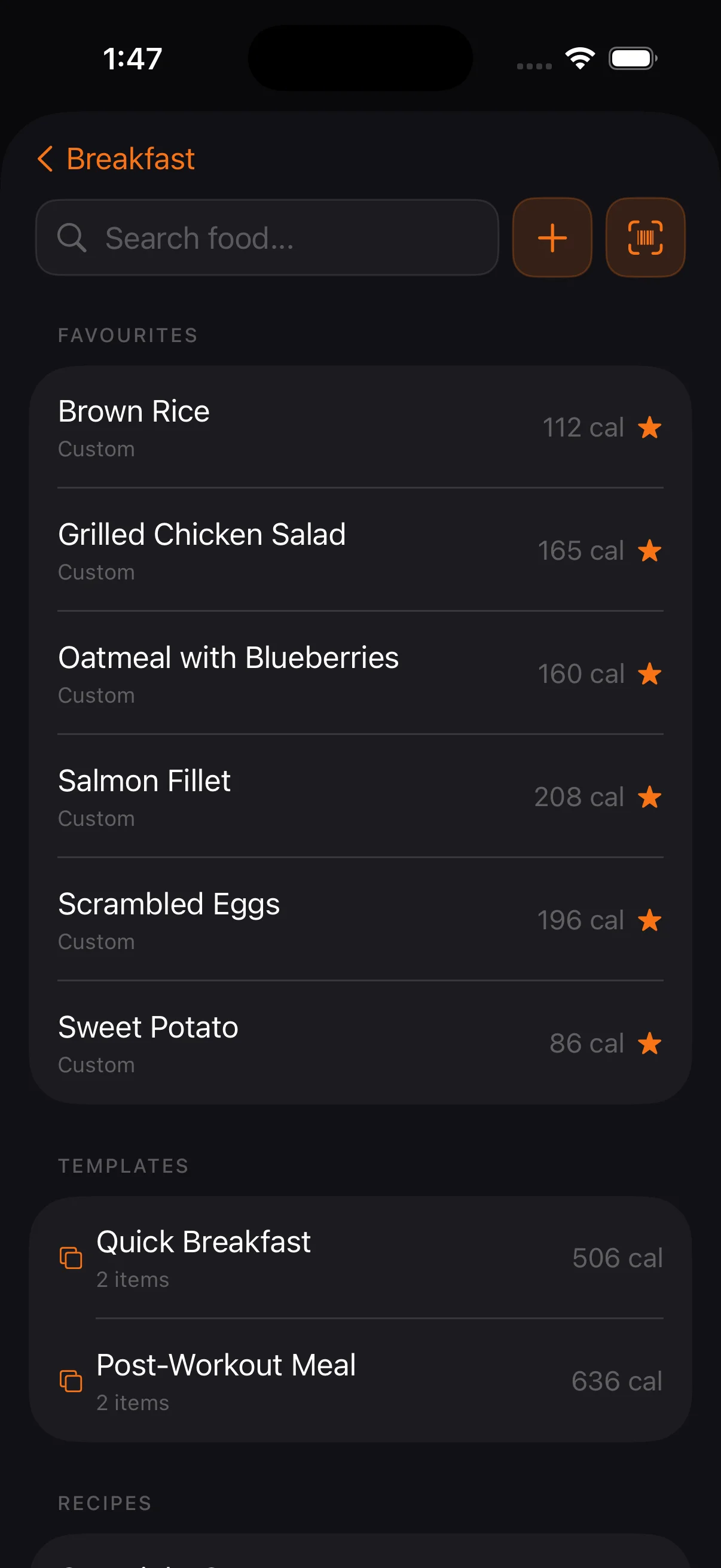
Your favorites, recent foods and your own foods come first, so the usual logs in one tap. Beside the search field, a new food of your own and the barcode scanner.
My Foods
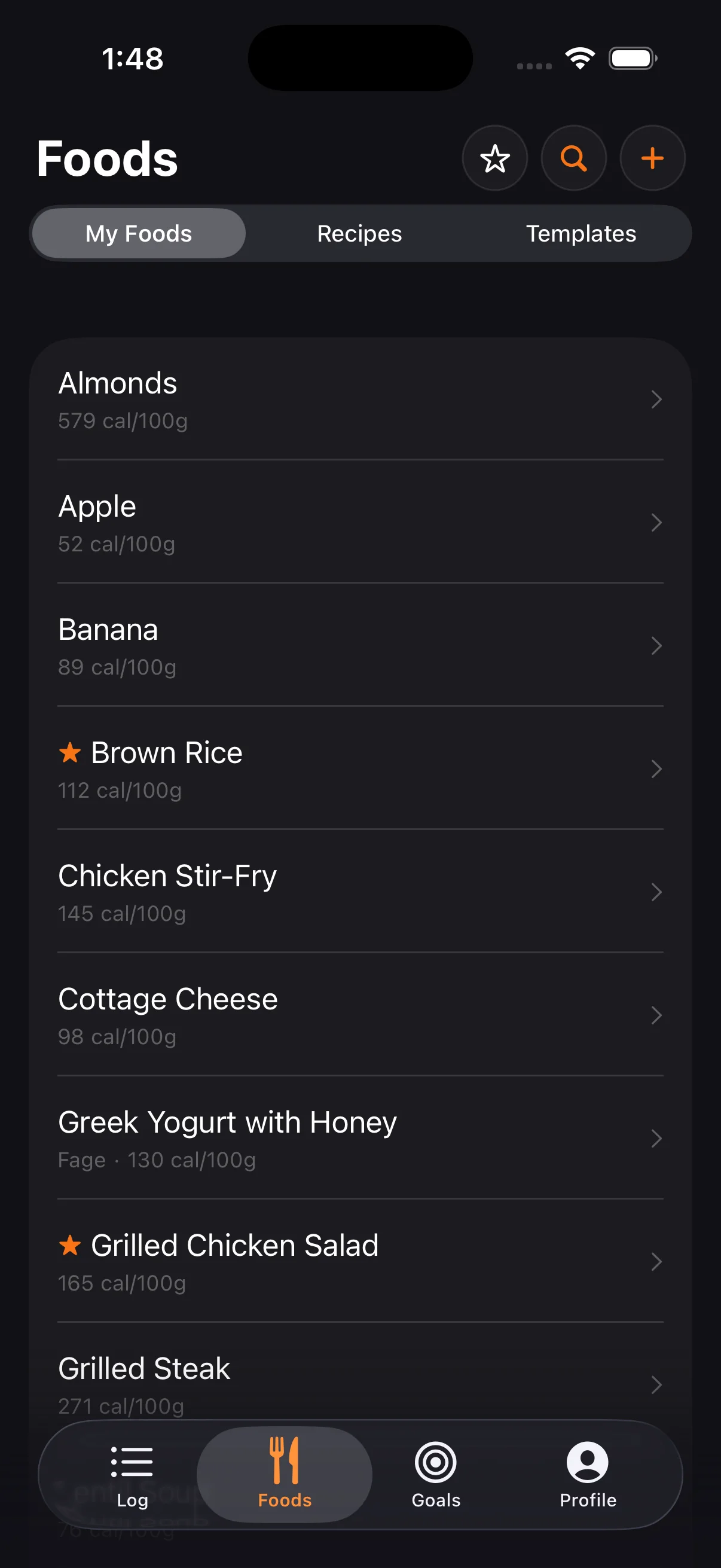
Your own foods, recipes and templates in one place, each with its calories per 100 g. The star makes a favorite and the filter finds one by name.
Goals
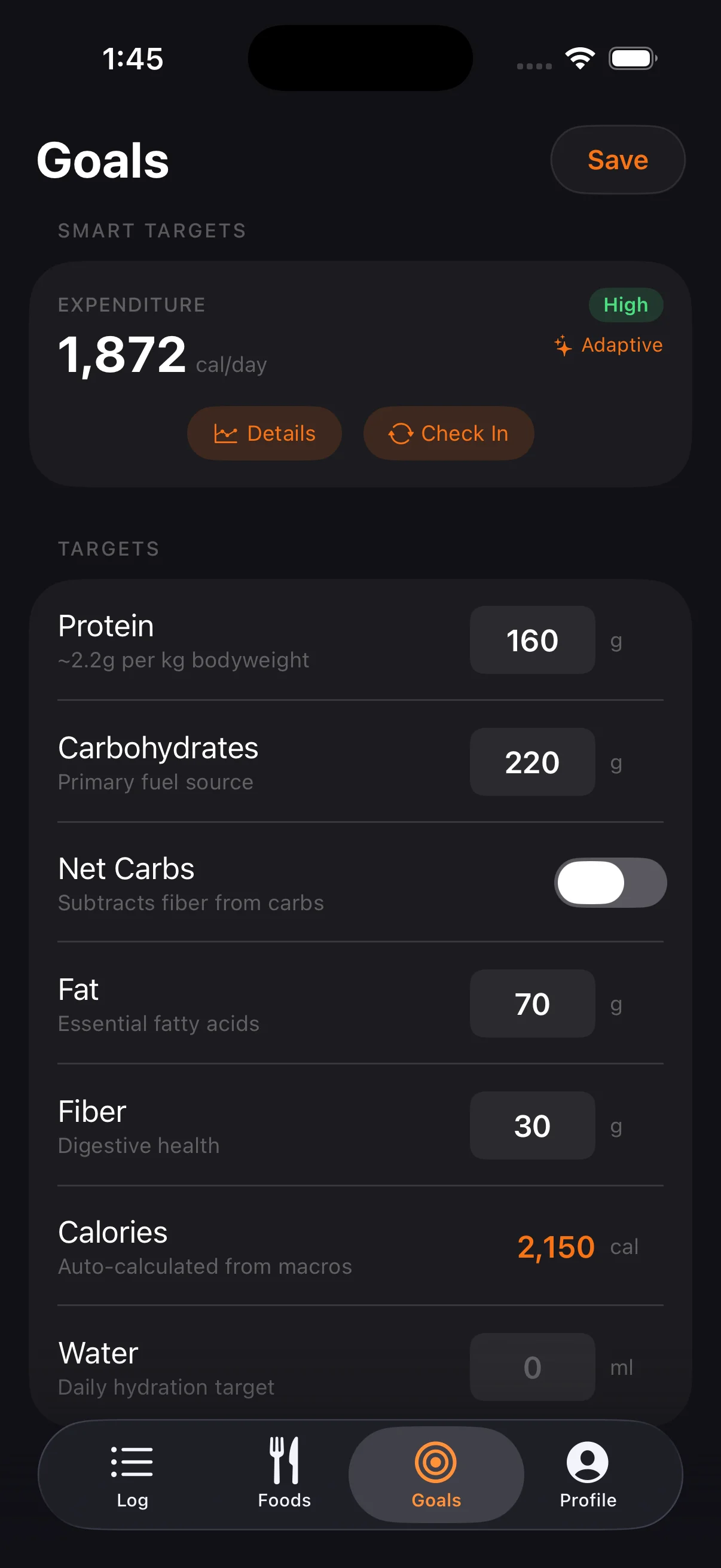
In Profile → Goals: presets for protein intake and the macro split, then the targets themselves in grams, with the added sugar limit and fiber, and a net carbs switch.
Supplements
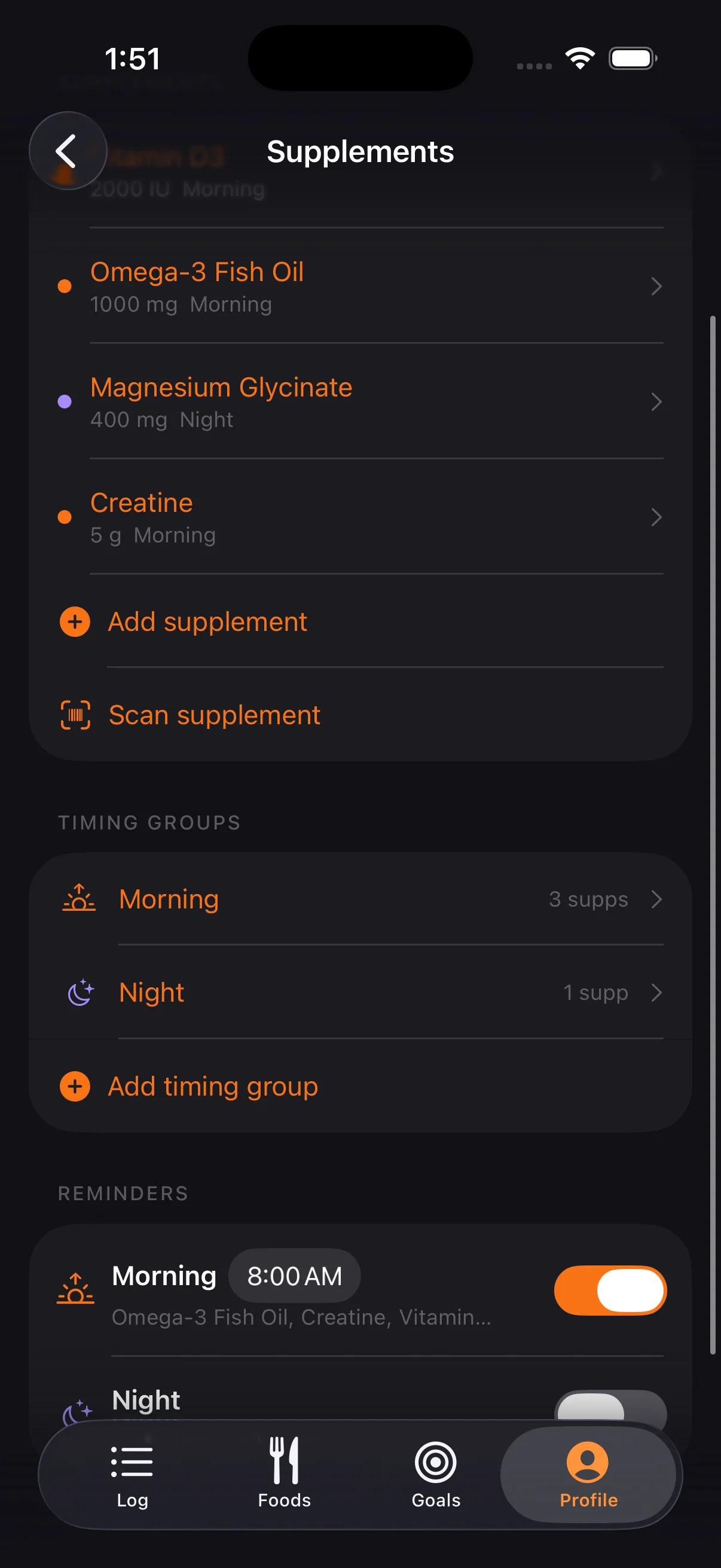
Your supplements with their dose and timing group, the groups themselves and a reminder for each. Add a supplement by hand or scan the barcode on the bottle.
Workouts
New in Tare 2.0, in beta: a planner and a strength log.
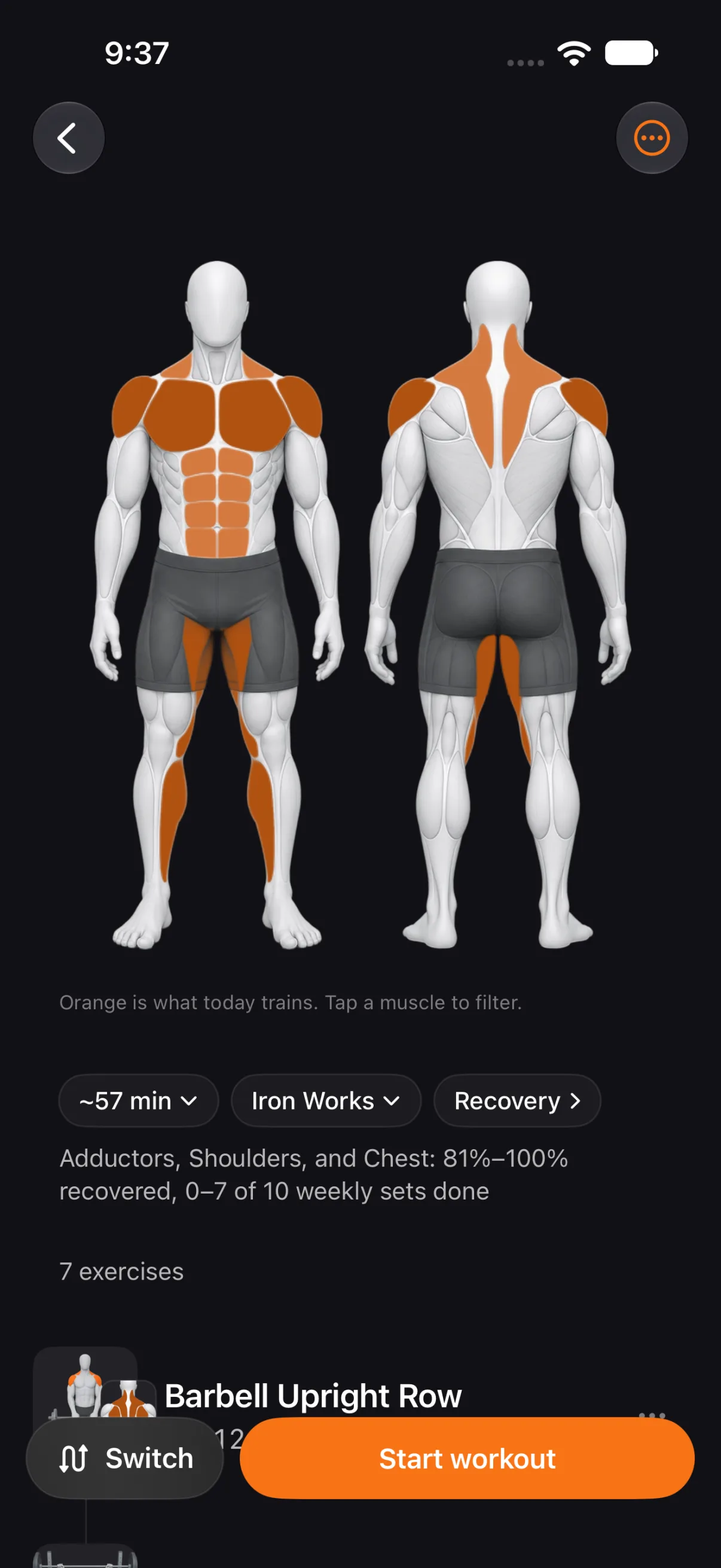
Up Next
Today's workout, planned around the muscles that have recovered. Orange marks what it trains; change the time, the gym or the focus, then start.
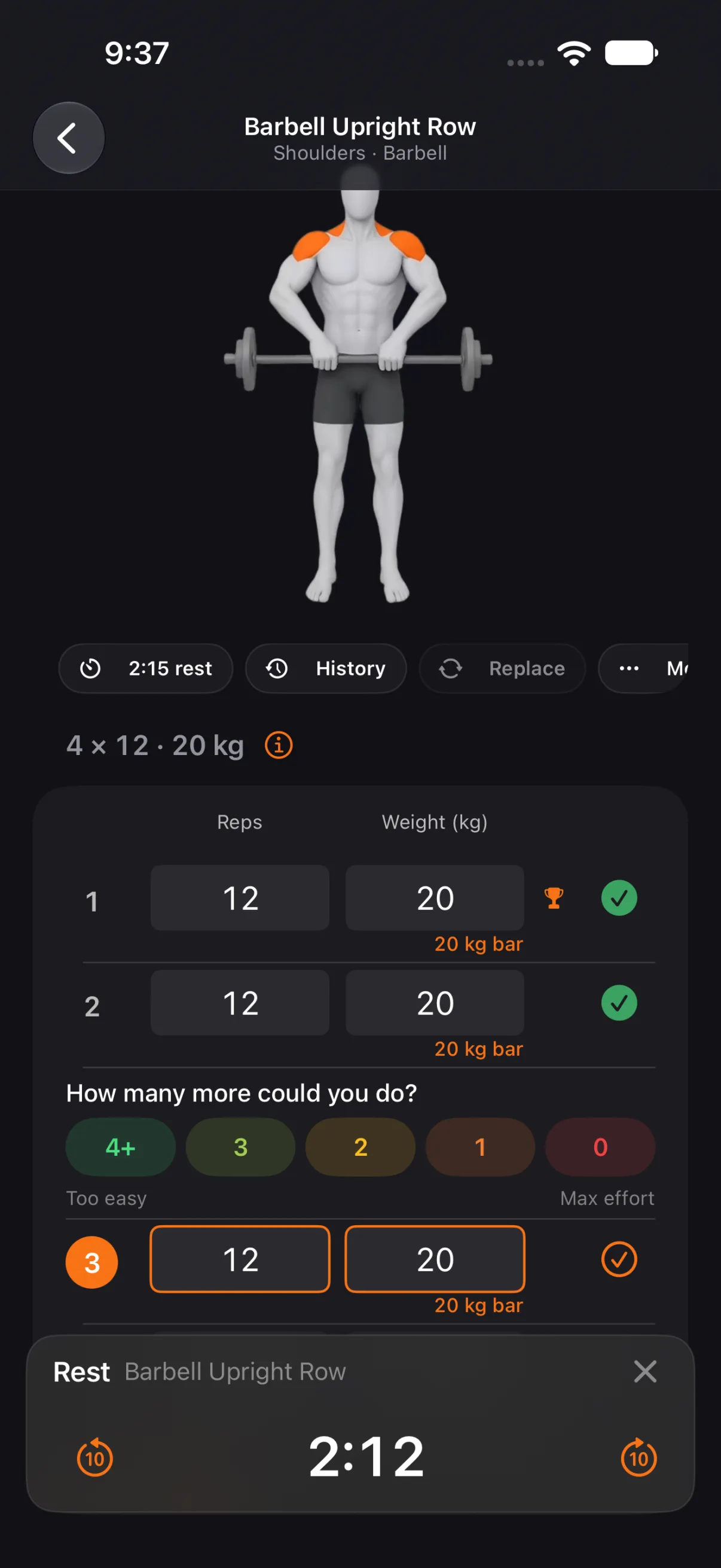
Workout in Progress
Reps and weight for every set, a tick to log it, a rating for the reps you had left, and the rest timer counting down. The rest also runs on the Lock Screen.
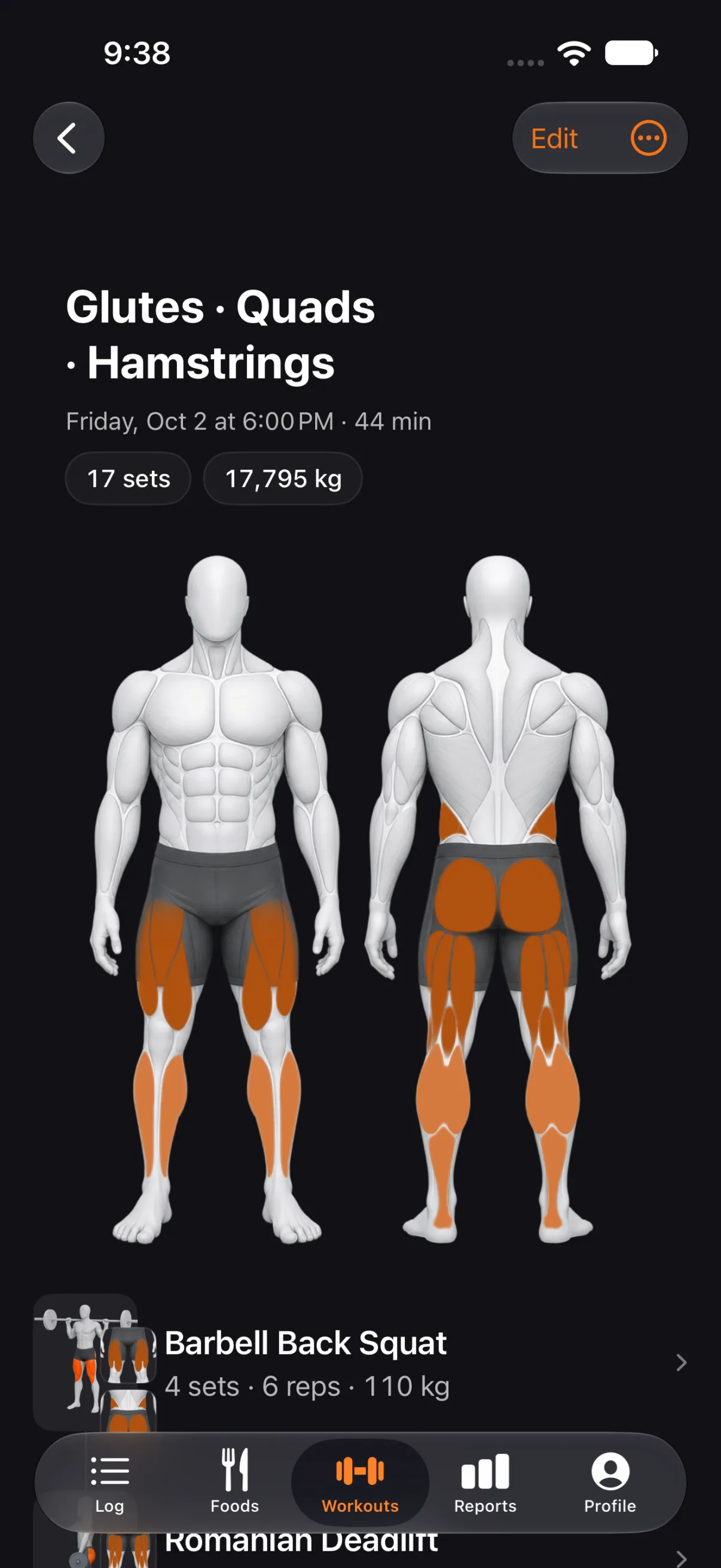
Finished Workout
One workout's muscles painted on the figure, with its sets, total weight and every exercise. Edit any set later.
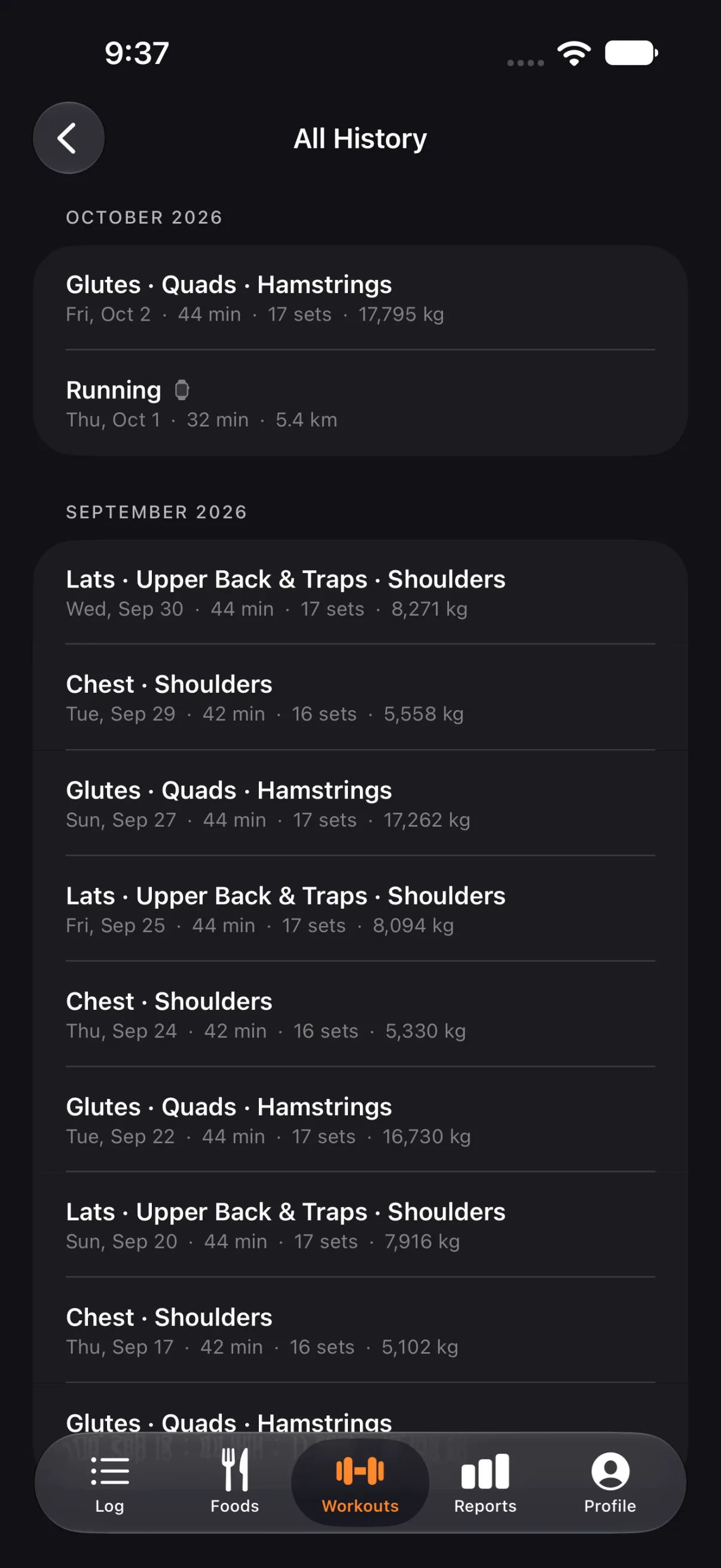
History
Every workout by month, with its muscles, length, sets and total weight. Workouts recorded on Apple Watch appear here too.
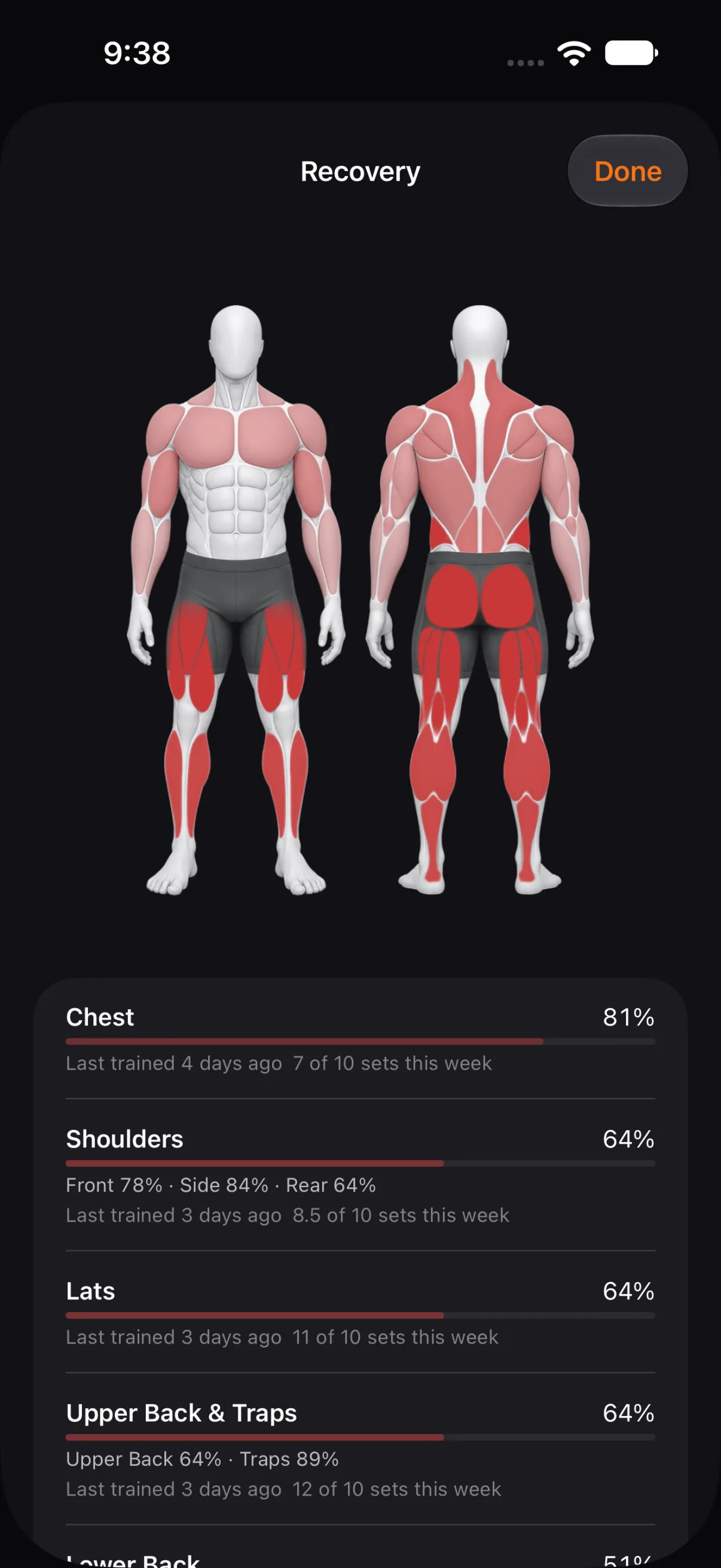
Recovery
How recovered each muscle is, shaded on the figure, with when you last trained it and the sets done this week.